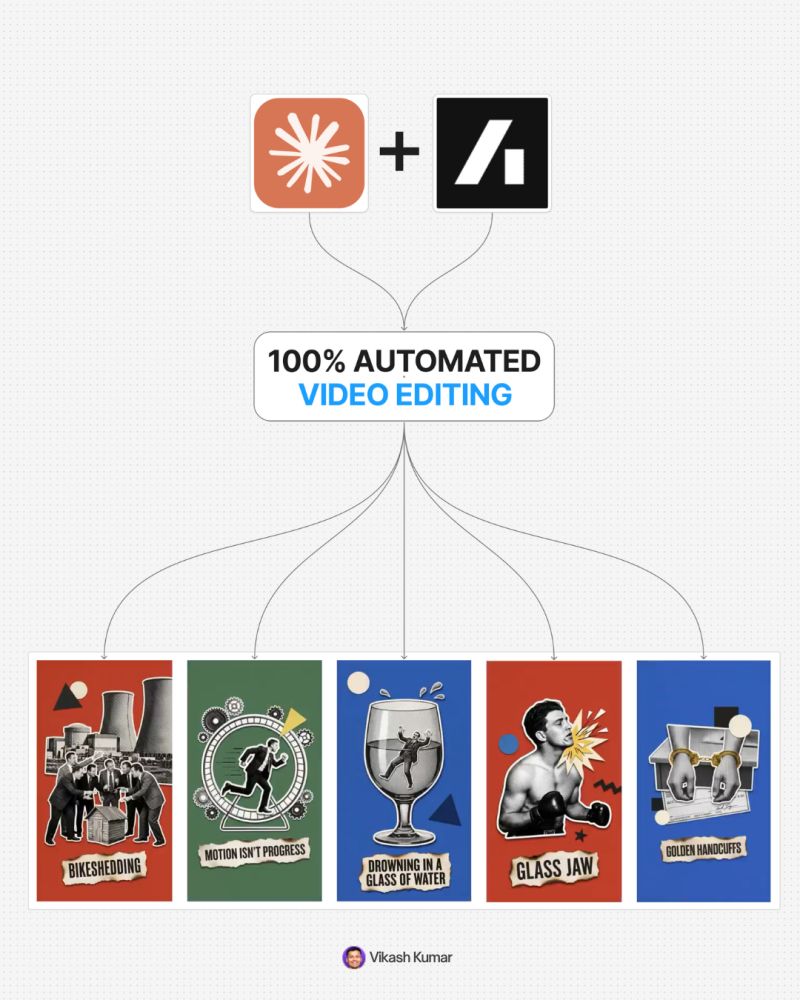
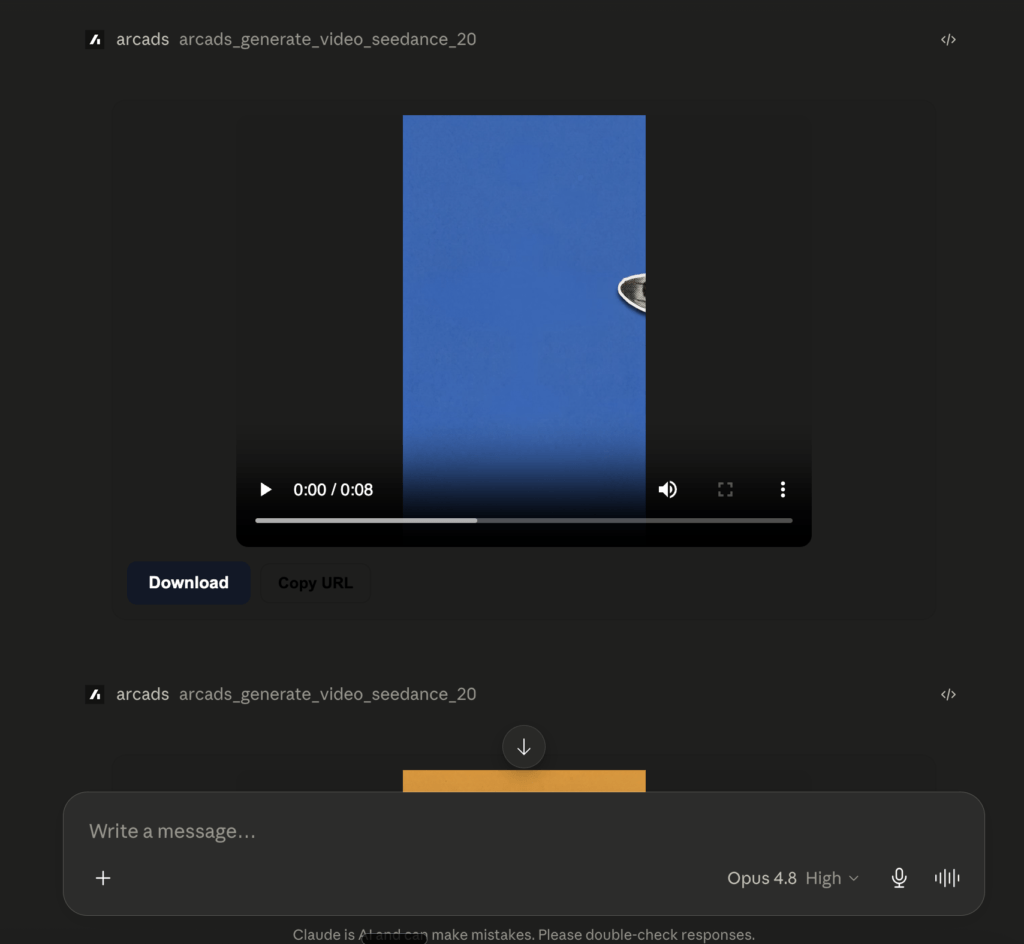
A Claude skill that takes a reference image (or just a brief) and produces a matching halftone paper-collage motion clip on the Arcads MCP connector. It decodes the reference into an editable spec, generates the on-brand stills with nano-banana-2, then animates a still into assemble-from-empty motion with Seedance 2.0. Your attention goes into taste and direction, not busywork.
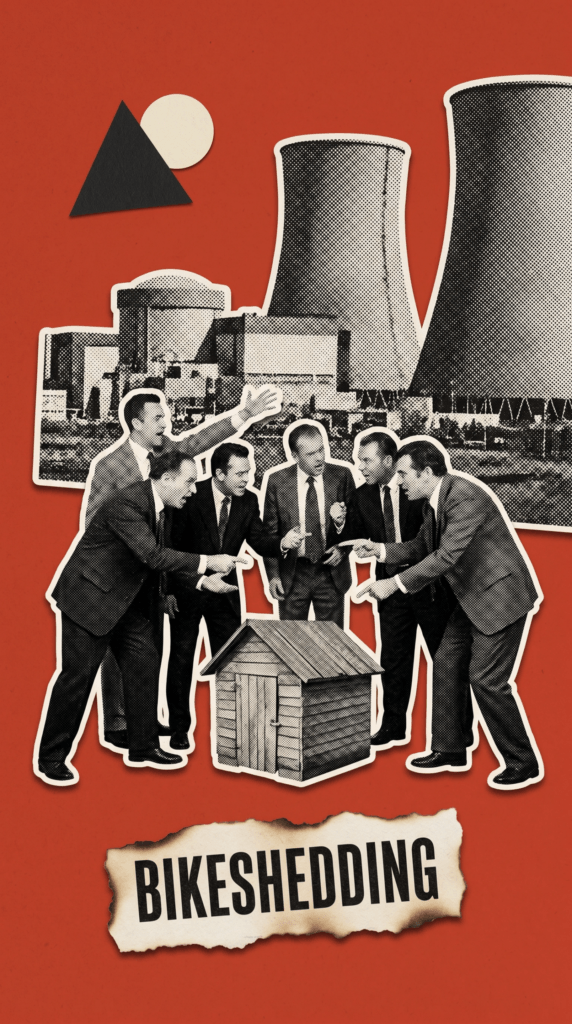
The look: one flat bold color field, black-and-white halftone cut-outs with clean cut edges and a soft drop shadow, one sharp idea per scene, and motion that builds the frame piece by piece instead of wobbling a finished image.
⬇️ Download the skill
Drop arcads-collage-motion.skill right below this line. Grab it, drag it into Claude Code, done.
Claude Code (or any Claude surface that can load skills and reach the Arcads connector).
Default models the skill drives: nano-banana-2 for images, Seedance 2.0 for video. Both run through Arcads, so you do not manage them separately.
Install
Download arcads-collage-motion.skill above.
Drop it into Claude Code as a skill.
Make sure the Arcads connector is on.
That is the whole setup. After this, making an ad is a short conversation.
How it works
The skill runs in two phases. You are only hands-on for direction and approval.
Phase A, Analyze. You give it a reference. It reads the medium, color field, halftone density, cut and shadow, composition, the idea, and any label, then returns three things: a plain-language breakdown, a paste-ready prompt, and a field-by-field JSON spec. Every field is independently editable, so a later “same look, change only the color” means rewriting one block.
Phase B, Build. From that spec it generates the stills with nano-banana-2, you approve them, then it animates the approved still into assemble-from-empty motion.
Step by step
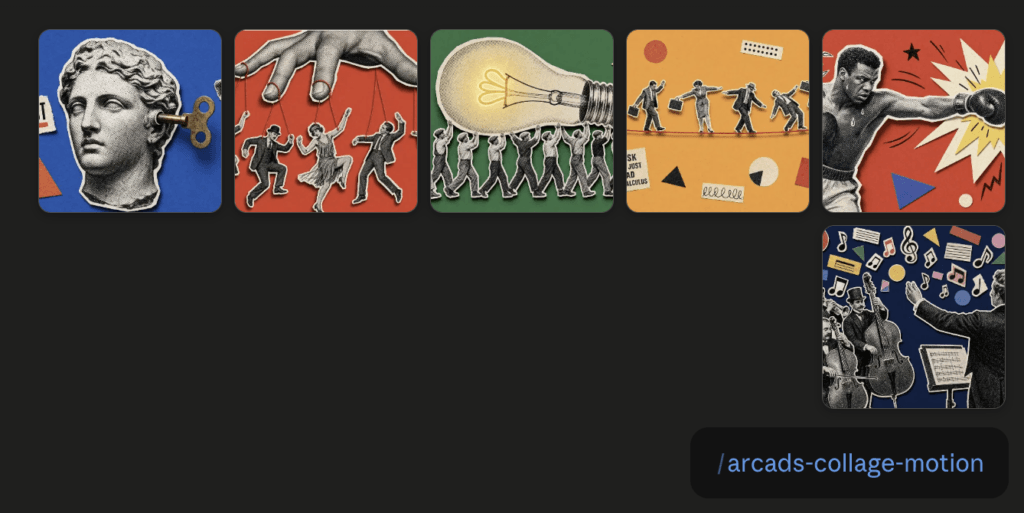
Reference. Find a look you like and paste the image into the chat with /arcads-collage-motion to activate the skill. If you have no reference, describe the brief and the skill drafts the spec fields for you. I recommend pinterest!
2. Analyze. Say “analyze this” or “break this down”. You get the breakdown, prompt, and JSON spec.
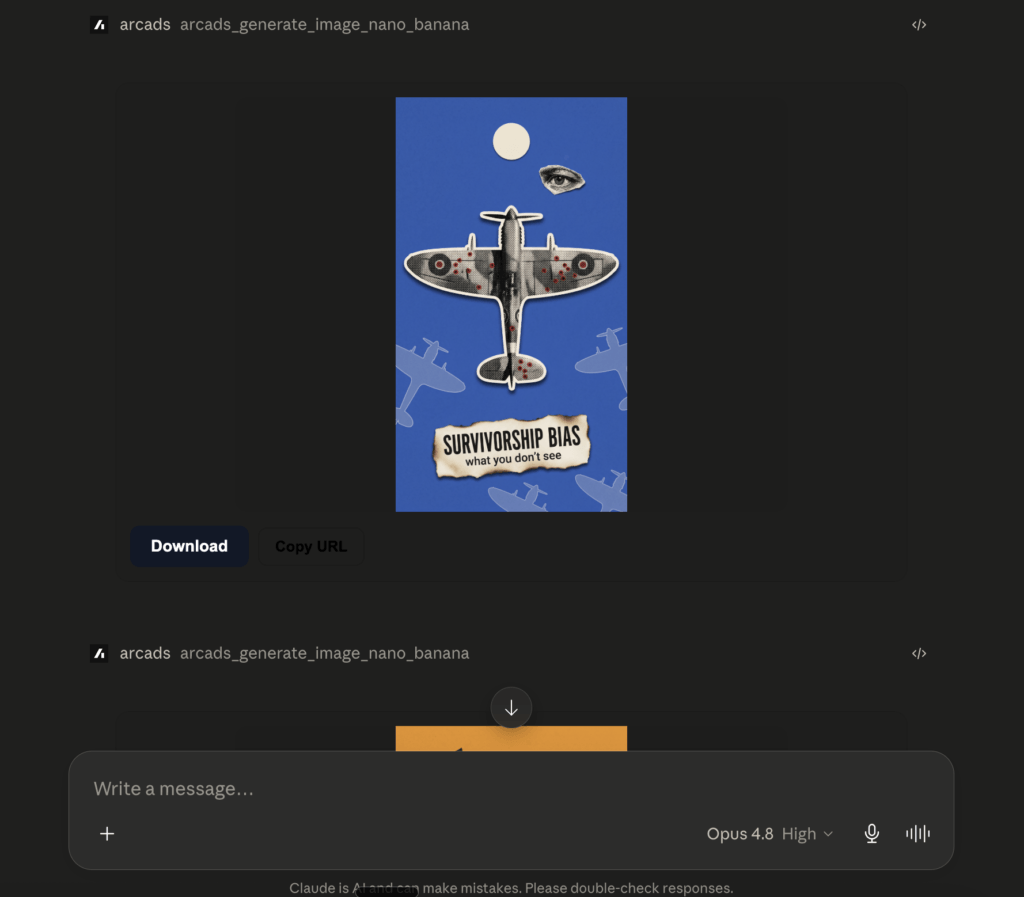
3. Generate. Say “generate the stills”. It calls nano-banana-2 with your locked product or brand image as a reference, one image per scene, label burned in.
4. Pick. Approve the stills you like, or reroll with an adjusted prompt.
5. Motion. Say “animate these”. The stills become finished stop-motion clips.
6. Scale. Lock the look once, vary only the idea per scene, batch the rest the same way.
The motion, in two routes
The signature is that the frame builds itself: it opens on the empty color field and the cut-out pieces slide in from the edges and snap into place.
Default, Seedance 2.0 (prompt-driven). The finished still is passed as a reference and the build is described in words. Fast and native to your usual pipeline. If a clip does not assemble cleanly, adjust the prompt and reroll.
Guaranteed, Kling 3.0 Pro (frame interpolation). For a clip that must build exactly, generate an empty-field version of the still, then interpolate from empty to finished. Use this per clip. Do not mix Seedance and Kling across a set you want to look uniform.
Want to run this yourself?Get Arcads, drop in the skill, and start building.
Skill: arcads-collage-motion. Default image model nano-banana-2, default video Seedance 2.0. Built to run on the Arcads MCP connector.
What this is
A Claude skill that takes a reference image (or just a brief) and produces a matching halftone paper-collage motion clip on the Arcads MCP connector. It decodes the reference into an editable spec, generates the on-brand stills with nano-banana-2, then animates a still into assemble-from-empty motion with Seedance 2.0. Your attention goes into taste and direction, not busywork.
The look: one flat bold color field, black-and-white halftone cut-outs with clean cut edges and a soft drop shadow, one sharp idea per scene, and motion that builds the frame piece by piece instead of wobbling a finished image.
⬇️ Download the skill
Drop arcads-collage-motion.skill right below this line. Grab it, drag it into Claude Code, done.
Claude Code (or any Claude surface that can load skills and reach the Arcads connector).
Default models the skill drives: nano-banana-2 for images, Seedance 2.0 for video. Both run through Arcads, so you do not manage them separately.
Install
Download arcads-collage-motion.skill above.
Drop it into Claude Code as a skill.
Make sure the Arcads connector is on.
That is the whole setup. After this, making an ad is a short conversation.
How it works
The skill runs in two phases. You are only hands-on for direction and approval.
Phase A, Analyze. You give it a reference. It reads the medium, color field, halftone density, cut and shadow, composition, the idea, and any label, then returns three things: a plain-language breakdown, a paste-ready prompt, and a field-by-field JSON spec. Every field is independently editable, so a later “same look, change only the color” means rewriting one block.
Phase B, Build. From that spec it generates the stills with nano-banana-2, you approve them, then it animates the approved still into assemble-from-empty motion.
Step by step
Reference. Find a look you like and paste the image into the chat with /arcads-collage-motion to activate the skill. If you have no reference, describe the brief and the skill drafts the spec fields for you. I recommend pinterest!
2. Analyze. Say “analyze this” or “break this down”. You get the breakdown, prompt, and JSON spec.
3. Generate. Say “generate the stills”. It calls nano-banana-2 with your locked product or brand image as a reference, one image per scene, label burned in.
4. Pick. Approve the stills you like, or reroll with an adjusted prompt.
5. Motion. Say “animate these”. The stills become finished stop-motion clips.
6. Scale. Lock the look once, vary only the idea per scene, batch the rest the same way.
The motion, in two routes
The signature is that the frame builds itself: it opens on the empty color field and the cut-out pieces slide in from the edges and snap into place.
Default, Seedance 2.0 (prompt-driven). The finished still is passed as a reference and the build is described in words. Fast and native to your usual pipeline. If a clip does not assemble cleanly, adjust the prompt and reroll.
Guaranteed, Kling 3.0 Pro (frame interpolation). For a clip that must build exactly, generate an empty-field version of the still, then interpolate from empty to finished. Use this per clip. Do not mix Seedance and Kling across a set you want to look uniform.
Want to run this yourself?Get Arcads, drop in the skill, and start building.
Skill: arcads-collage-motion. Default image model nano-banana-2, default video Seedance 2.0. Built to run on the Arcads MCP connector.
Author
Written By
Vikash Kumar
Building AI agents, n8n workflows and end-to-end automation for 30+ Brands across India, the US, Europe, Dubai & Australia. 7+ years of Experience saving founders real hours every week - no code required.