

1. Opening Problem Statement
Meet Sarah, a cybersecurity analyst at a busy SOC (Security Operations Center). Every day, she monitors multiple security systems and manually checks for new alerts or events in TheHive, a popular open-source incident response platform. This constant vigilance consumes hours, often leading to delayed responses, missed critical alerts, and increased risk for her company’s digital infrastructure. Sarah wastes valuable time refreshing dashboards and searching through logs — time that could be better spent mitigating threats.
What if there were a way to automatically notify Sarah the moment any event occurs in TheHive, whether it’s a new alert, task update, or incident modification? This workflow using the “TheHive Trigger” node in n8n automates precisely that, freeing Sarah from manual checks and enabling faster, proactive responses.
2. What This Automation Does
This n8n workflow listens for any type of event occurring in TheHive and instantly triggers a notification or further automated actions. Here’s what happens when the workflow runs:
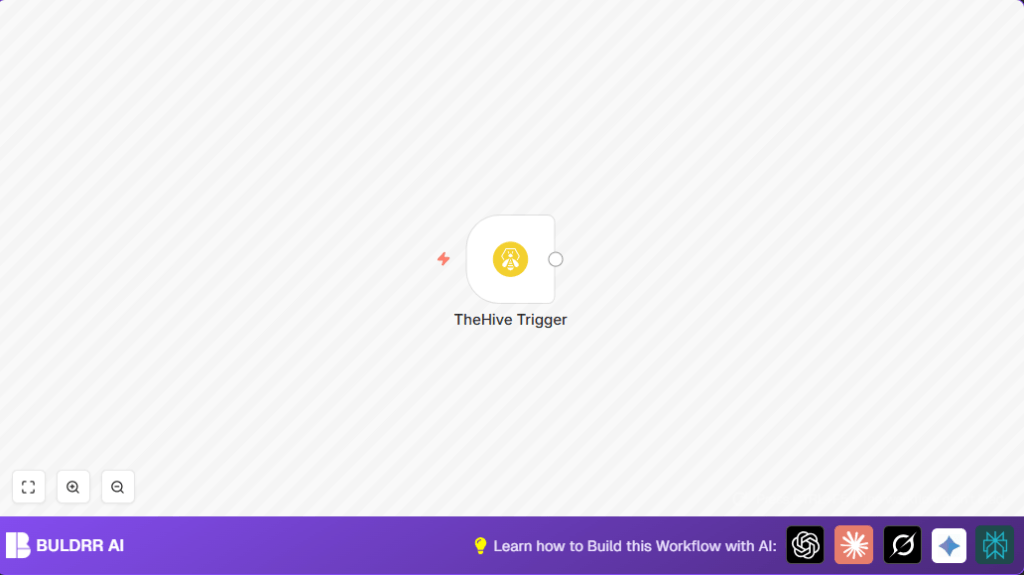
- Detects all events from TheHive (tasks, alerts, cases, etc.) using the TheHive Trigger node
- Eliminates the need for manual dashboard monitoring by security analysts
- Enables real-time alerts, reducing reaction times from hours to seconds
- Prepares the foundation to integrate with messaging apps, emails, or ticketing systems for instant notifications
- Simplifies incident response workflows by feeding event data into further automations for analysis or logging
Overall, this workflow saves hours of manual monitoring every day and ensures no critical incident update is overlooked.
3. Prerequisites ⚙️
- n8n account – access to create and run workflows
- TheHive platform installed and accessible via API
- TheHive Trigger node configured in n8n with credentials linking to your TheHive instance 🔑
4. Step-by-Step Guide
Step 1: Set Up TheHive Trigger Node
In your n8n editor, click “+ Add Node” and search for TheHive Trigger. Drag it into your workflow canvas.
Under the Parameters section, select Events and choose All Events (*). This setting tells n8n to listen to every event happening in TheHive.
You should see a unique Webhook URL generated automatically. This URL will be the endpoint TheHive calls when an event occurs.
Common mistake: Forgetting to select the wildcard (*) to capture all events. This can lead to missing some updates.
Step 2: Configure TheHive to Send Webhook Notifications
Access your TheHive instance’s admin settings. Under the integration or webhook settings, add the n8n Webhook URL generated by the TheHive Trigger node.
Configure it to send event notifications for all categories you want to monitor (usually all).
You should see test notifications hitting your n8n workflow when events happen in TheHive.
Common mistake: Not enabling webhook notifications on TheHive side or entering an incorrect URL.
Step 3: Test the Trigger
Generate a test event in TheHive, such as creating a new alert or updating a task.
Check your n8n workflow’s active executions and confirm that the TheHive Trigger node captures the event payload.
You should see an incoming JSON payload with detailed event data.
Step 4: Add Notification or Processing Nodes (Optional)
Although this workflow example includes only the trigger node, you can extend it by adding nodes such as Email, Slack, or HTTP Request nodes to notify your team or log events elsewhere.
This customization transforms passive event listening into active incident response automation.
5. Customizations ✏️
- In the TheHive Trigger node, change the Events parameter from
"*"to specific event types like"alertCreated"or"taskUpdated"to filter notifications and reduce noise. - Add a Slack node after the trigger to send real-time chat alerts to your security team, enhancing communication.
- Integrate with a database node to store raw event data for historical analysis and compliance tracking.
- Combine with a Code node to parse the JSON payload and extract critical fields before forwarding.
- Schedule the workflow to activate only during business hours to avoid off-hours noise.
6. Troubleshooting 🔧
Problem: “No events are triggering the workflow.”
Cause: Webhook URL is not correctly configured in TheHive or webhook notifications are disabled.
Solution: Verify the webhook URL from the TheHive Trigger node and ensure it is correctly entered and activated in TheHive’s webhook settings.
Problem: “Workflow receives but data is incomplete or malformed.”
Cause: TheHive may send different payloads based on event type.
Solution: Review the event payload structure in n8n execution logs, and apply conditional logic or JSON parsing to handle variations accordingly.
7. Pre-Production Checklist ✅
- Confirm TheHive Trigger node’s webhook URL is accessible from TheHive server.
- Test webhook notifications by generating events in TheHive.
- Validate the payload data structure for your intended use.
- Backup existing TheHive webhook settings before making changes.
8. Deployment Guide
Activate your workflow by switching the toggle from inactive to active in n8n.
Monitor executions for the first 24-48 hours to ensure events are captured and notified as expected.
Set up logging or alerting on workflow failures if your n8n environment supports it.
9. Conclusion
By setting up this simple yet powerful n8n workflow with the TheHive Trigger node, you transformed tedious manual monitoring into an automated event alert system. Sarah and her team can now react instantly to any incident changes in TheHive, significantly improving security posture and saving valuable analyst hours every day.
Next, consider adding integration with Slack for real-time chat alerts or an Email node to notify multiple stakeholders. You might also explore parsing event data with Code nodes to build detailed reports or automate ticket creation.
Start automating your incident response with n8n and TheHive today — the difference in team efficiency will be clear immediately.
