
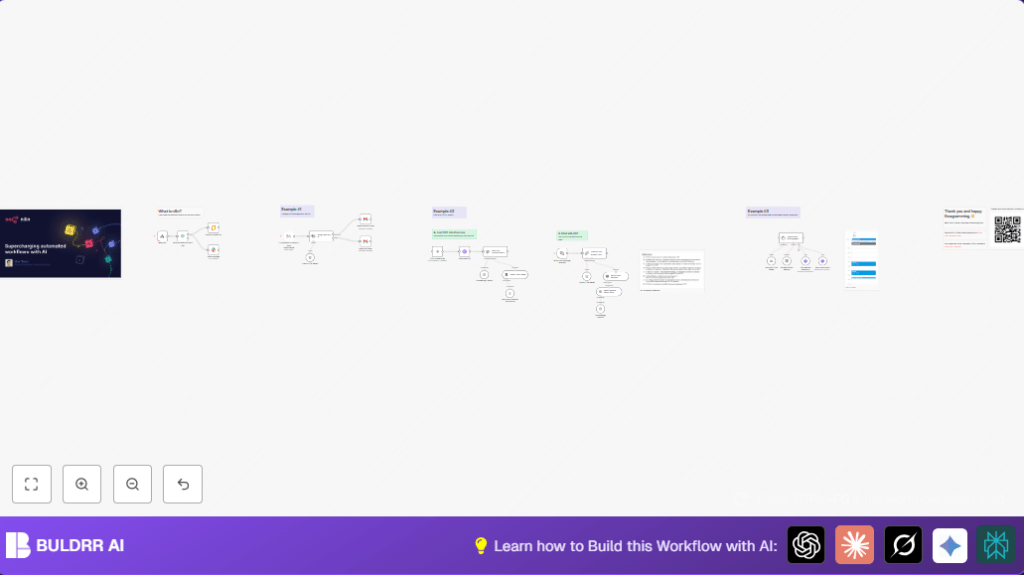

What this workflow does
This workflow watches new emails in your Gmail inbox and sorts them into categories like “automation” or “music” using AI.
It also sends Slack messages to notify your team about new emails.
You can chat with a chatbot to book meetings using Google Calendar, checking availability before scheduling.
The goal is to save time by automating email sorting and appointment booking without manual work.
Who should use this workflow
Anyone who gets many emails and loses time sorting them or scheduling meetings manually.
It is good for project managers, teams using Gmail, Slack, and Google Calendar, and people wanting easy automated scheduling.
Tools and services used
- Gmail: To monitor inbox and apply labels to emails.
- OpenAI GPT-4: To read emails and decide their category.
- Slack: To send messages when new emails are sorted.
- Google Calendar API: To check free times and book meetings.
- n8n platform: To run and connect all the nodes for automation.
- Pinecone vector store: To store information for chatbot answers.
- LangChain nodes: For AI chat, classification, and memory.
Inputs, process, and outputs
Inputs
- New email arriving in Gmail inbox
- User chat message for booking an appointment
Processing steps
- Use Gmail trigger to detect new emails
- Send email text to AI text classifier to decide category
- Apply correct Gmail label for “automation” or “music” categories
- Send Slack message with email details
- Accept chat input via chat trigger to start appointment booking
- Use question-answer chain with Pinecone embeddings for chatbot answers
- Download and split PDF documents to create embeddings to support chatbot
- Use Google Calendar to check availability and book 30-minute meetings
- Store chat conversation context to remember past messages
Outputs
- Emails automatically labeled in Gmail
- Slack notifications post for new emails by category
- Chatbot messages that guide users to book appointments
- Calendar events created if meeting slots are found free
Beginner step-by-step: How to use this workflow in n8n
Step 1: Import the workflow
- Download the workflow file using the Download button on this page.
- In the n8n editor, select “Import from File” and choose the downloaded file.
Step 2: Configure credentials and settings
- Go through each node and add required API Keys or OAuth details for Gmail, Slack, Google Calendar, and OpenAI.
- Edit any IDs, email addresses, Slack channel names, or Gmail label names to match your accounts.
- Check text prompts or expressions for correct mapping (for example,
{{$json.text}}in text classifier node).
Step 3: Test the workflow
- Trigger the workflow by sending a test email to your Gmail inbox to see if labeling and Slack messages happen.
- Try the chat interface URL to start a conversation and book an appointment, checking calendar booking works.
Step 4: Activate for production
- After testing, activate the workflow in n8n by turning the toggle switch On.
- Share the chat webhook URL with your team or users for appointment scheduling.
- Monitor executions in the n8n dashboard and fix any errors found.
- If you are hosting n8n yourself, consider self-host n8n setup for reliable access.
Common problems and edge cases
- AI classifier errors: Usually caused by bad text input or OpenAI API key issues. Fix by checking inputs and key limits.
- Gmail label not applied: Check label IDs and message IDs are correct in Gmail nodes.
- Slack messages not sent: Verify Slack OAuth access and channel permissions.
- Appointment booking fails: Often due to wrong date-time formatting or timezone mismatch. Use ISO 8601 with timezone.
- Chat context lost: Check that memory node connects properly to keep conversation flow.
Ideas for customization
- Add more email categories to the AI classifier node by editing categories JSON (e.g., “support”, “sales”).
- Change Slack messages to show more email details or links.
- Adjust appointment meeting lengths by editing system message and booking parameters.
- Connect calendars of other team members in Google Calendar nodes.
- Change conversation memory length to keep more or fewer previous chat entries.
Summary
✓ Automates sorting of Gmail emails by category.
✓ Sends Slack notifications automatically.
✓ Offers chat assistant to book appointments via Google Calendar.
→ Saves time and reduces manual work.
→ Avoids schedule conflicts by checking availability first.
→ Maintains chat context for natural conversations.
{
  "inputText": "{{$json.text}}",
  "categories": [
    { "name": "automation", "description": "Emails about workflows and automation." },
    { "name": "music", "description": "Emails about music events or artists." }
  ]
}
Use this JSON in the Text Classifier node to tell AI how to sort emails.
