
#1 Turn Your Profile Into a Client-Closing Machine – by Matt Lakajev

PlayBook#1 – (Framework sourced from Matt Lakajev’s strategy)

Why your profile matters

Most freelancers treat their LinkedIn profile like a CV.
Matt Lakajev treats it like a sales page that builds trust and turns strangers into leads.
Your profile must answer three questions in less than five seconds:

1 — Is this person real?
2 — Do they help people like me?
3 — Do I clearly understand what they do?

If a profile fails any of these, people leave and never return.
This is based on the “Reality Gate” and “Relevance Gate” in the Trust Framework.
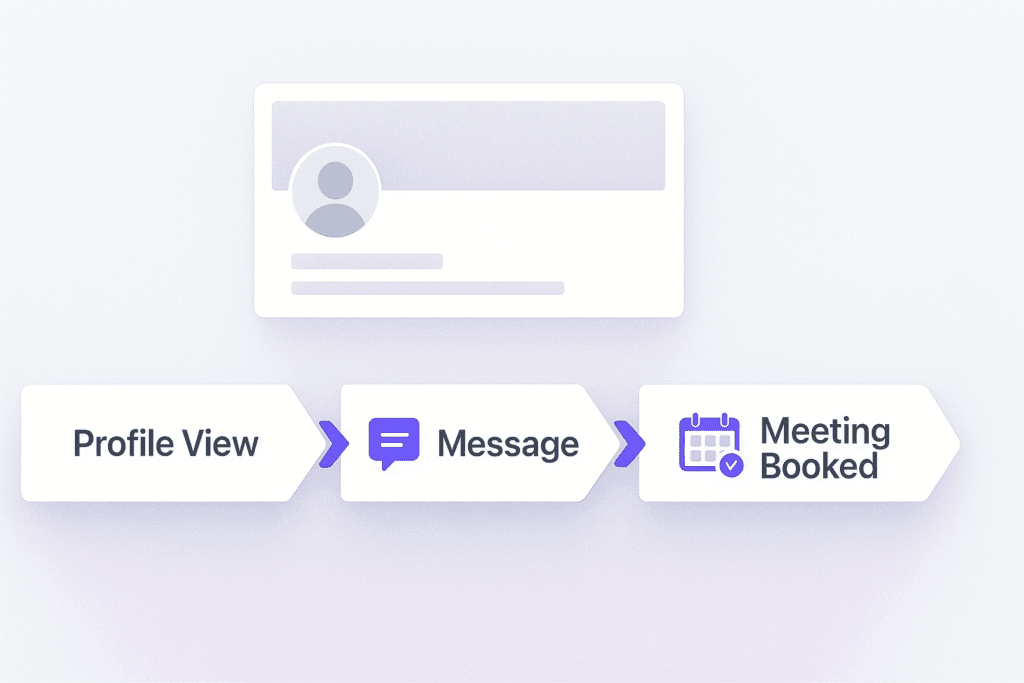

The Profile Funnel Structure

Your profile has one main job:
Move a visitor toward a conversation.

The structure below supports that objective:

  1. Profile Photo
  2. Banner
  3. Headline
  4. “Visit Website” Button
  5. Featured Section
  6. About Section

We will complete each one with direct, practical instructions.

Step 1 — Profile Photo: Pass the “Weirdo Test”

A clear, friendly headshot reduces risk and increases trust.
This is the first conversion moment.

Requirements:

  • Face takes most of the frame (no faraway shots)
  • Good lighting
  • Warm, approachable facial expression
  • No sunglasses or distracting backgrounds

A professional photo is ideal, but a clean smartphone photo works fine.

Step 2 — Banner: Your Silent Elevator Pitch

The banner is a billboard at the top of your funnel.
It must clearly show:

→ Who you help
→ What result you create

Avoid generic city skylines or abstract graphics.
Images of you working, speaking, or collaborating work best.
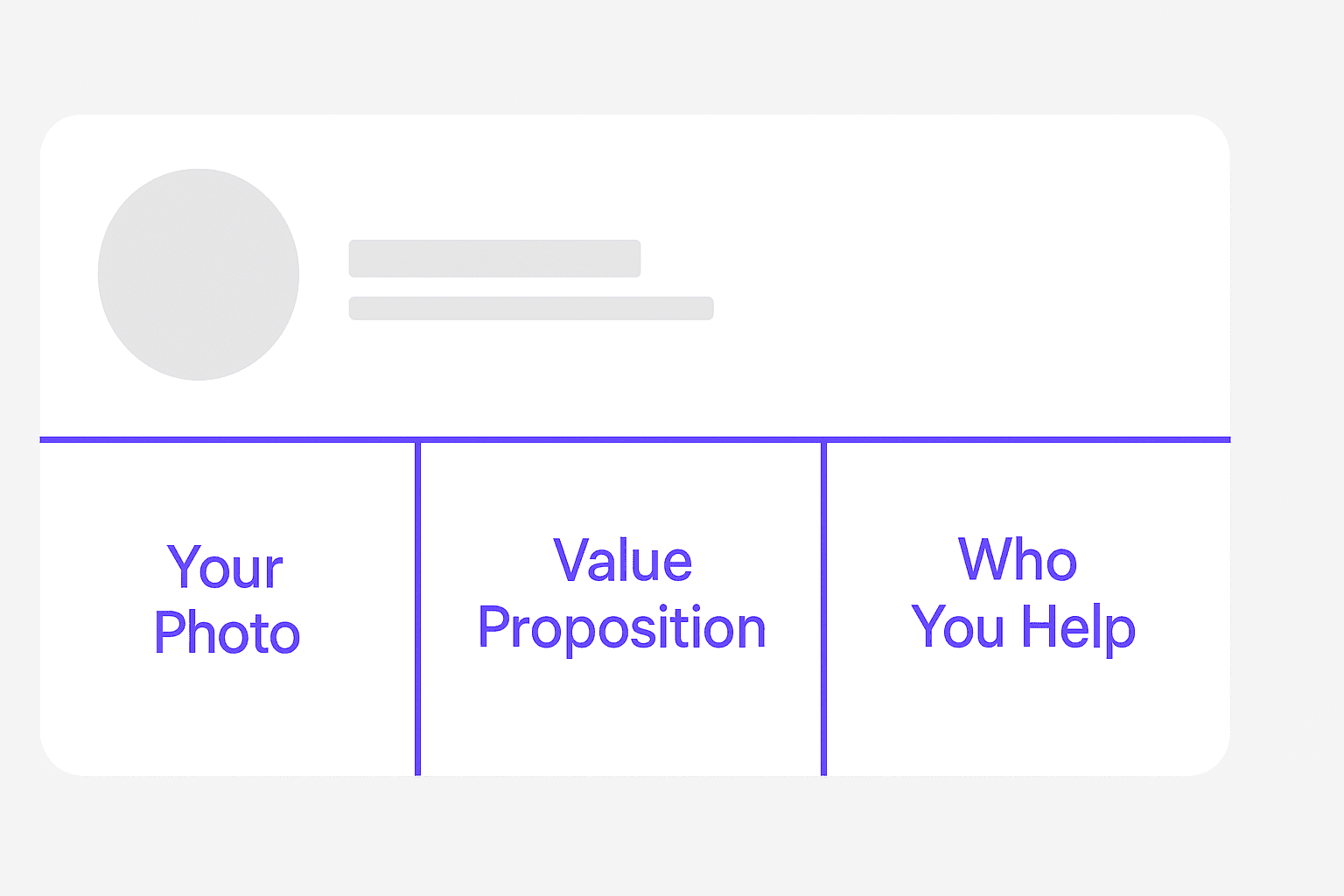
A simple structure you can follow:

SectionWhat to include
LeftA picture of you (optional)
CenterValue statement: The result you help clients achieve
RightTarget client (who you help)

Example wording:
“Helping D2C brands increase revenue with fast, conversion-focused websites.”

Test this:
If someone sees only your banner for one second — do they understand your business?


Step 3 — Headline: “Disgusting Clarity”

This is the most important text on your entire profile.
It appears everywhere: comments, post headers, searches, DMs.
If your headline is vague, the sale dies here.

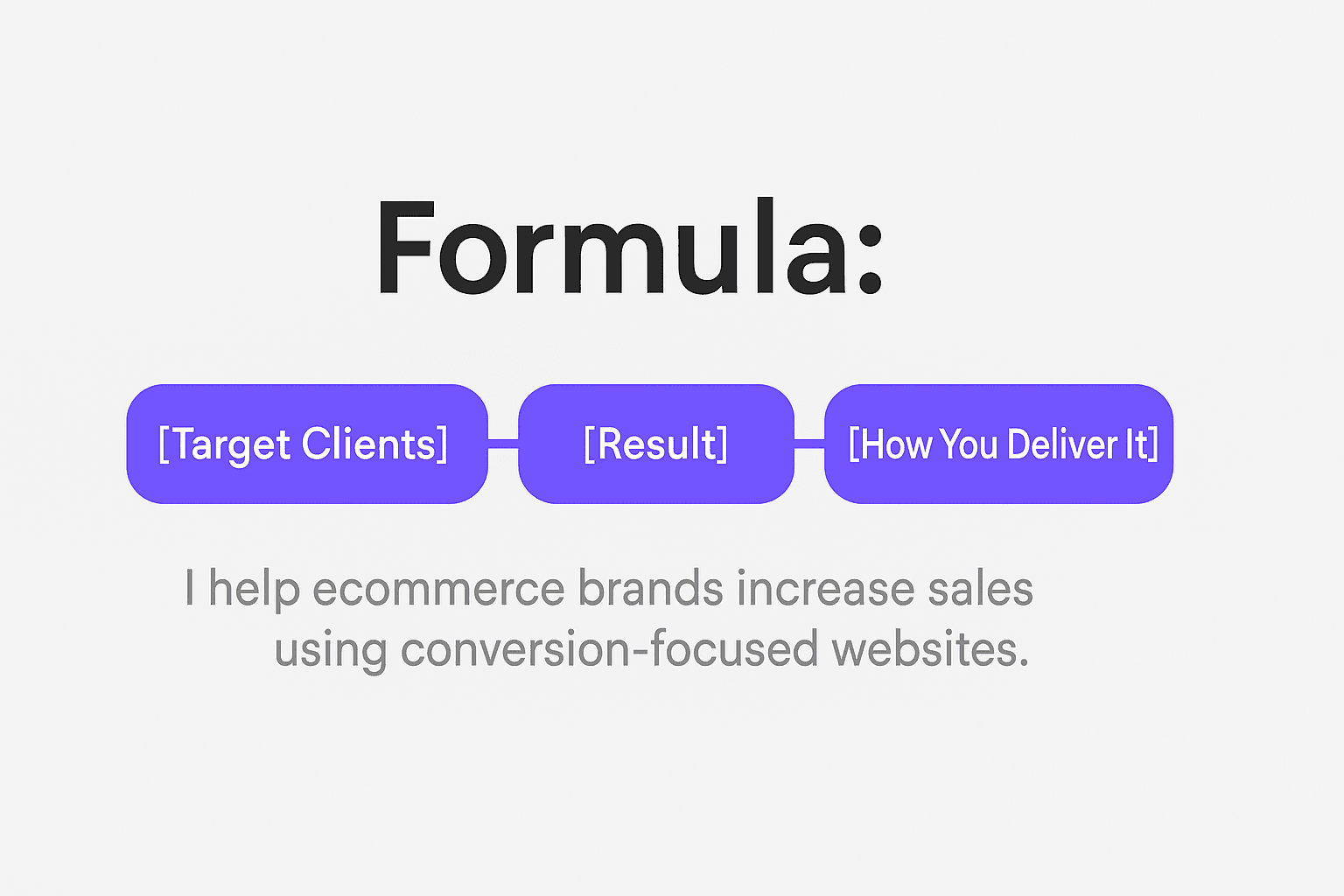
Use this formula:
I help [specific audience] achieve [specific result] using [your method].

Clear examples:

  • I help SaaS teams book qualified demos through LinkedIn outreach systems.
  • I help D2C brands boost sales with 7-day high-speed website builds.

Avoid:

  • “Entrepreneur | Founder | Growth Expert”
  • Inspirational quotes

Your headline must show you solve a real problem for a real group of people.

Write yours now using the formula above.


Step 4 — “Visit Website” Button: Turn Visitors Into Leads

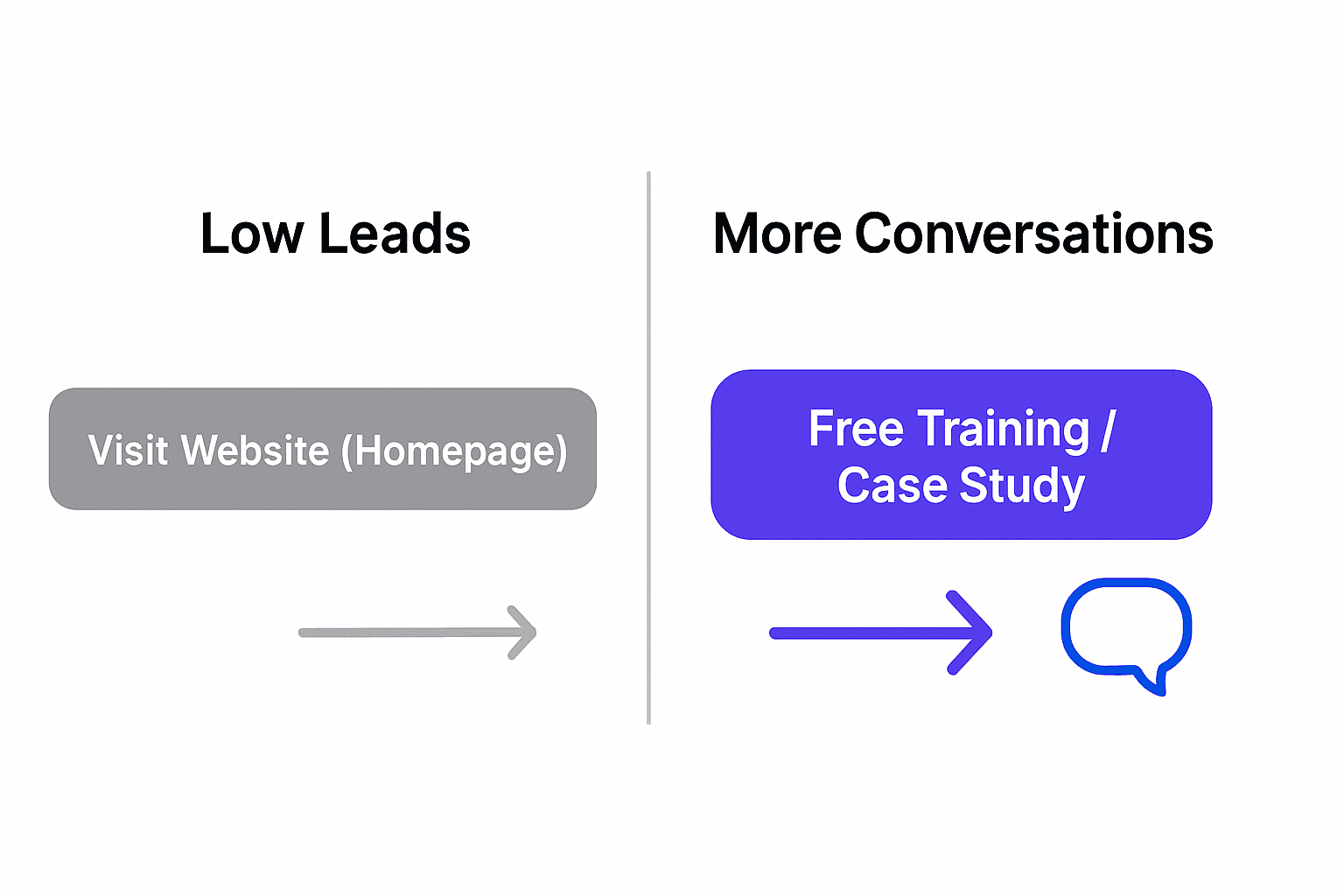
Most people either:
• Link to their homepage
• Or directly link to booking a call (too much pressure early on)

Better approach:
Link to a lead magnet or short free resource.
This allows prospects to engage without fear.

Suggested button text:

  • Free Training
  • See Client Results
  • Get the Playbook

This captures warmer traffic and gives you a reason to follow up later.

Step 5 — Featured Section: Where Buyers Raise Their Hand

This section should act like a filter to identify serious visitors.
Someone who clicks a featured item is signaling interest.
Treat them as a warm lead.

What to include here:

Do not include:

  • Random interviews
  • Press mentions that do not convert
  • Resume-style documents

One strong asset beats five weak ones.


Step 6 — About Section: Simple, Not Emotional Biography

In Matt’s model, this area has lower impact and should not take a lot of time.
Keep it functional and supportive.

Four short elements:

  1. Who you help
  2. The problem they face
  3. Your solution in one or two lines
  4. A clear call-to-action (“Message me the word ‘Website’ and I’ll help you…”)

Avoid long storytelling here. People rarely read the full block.


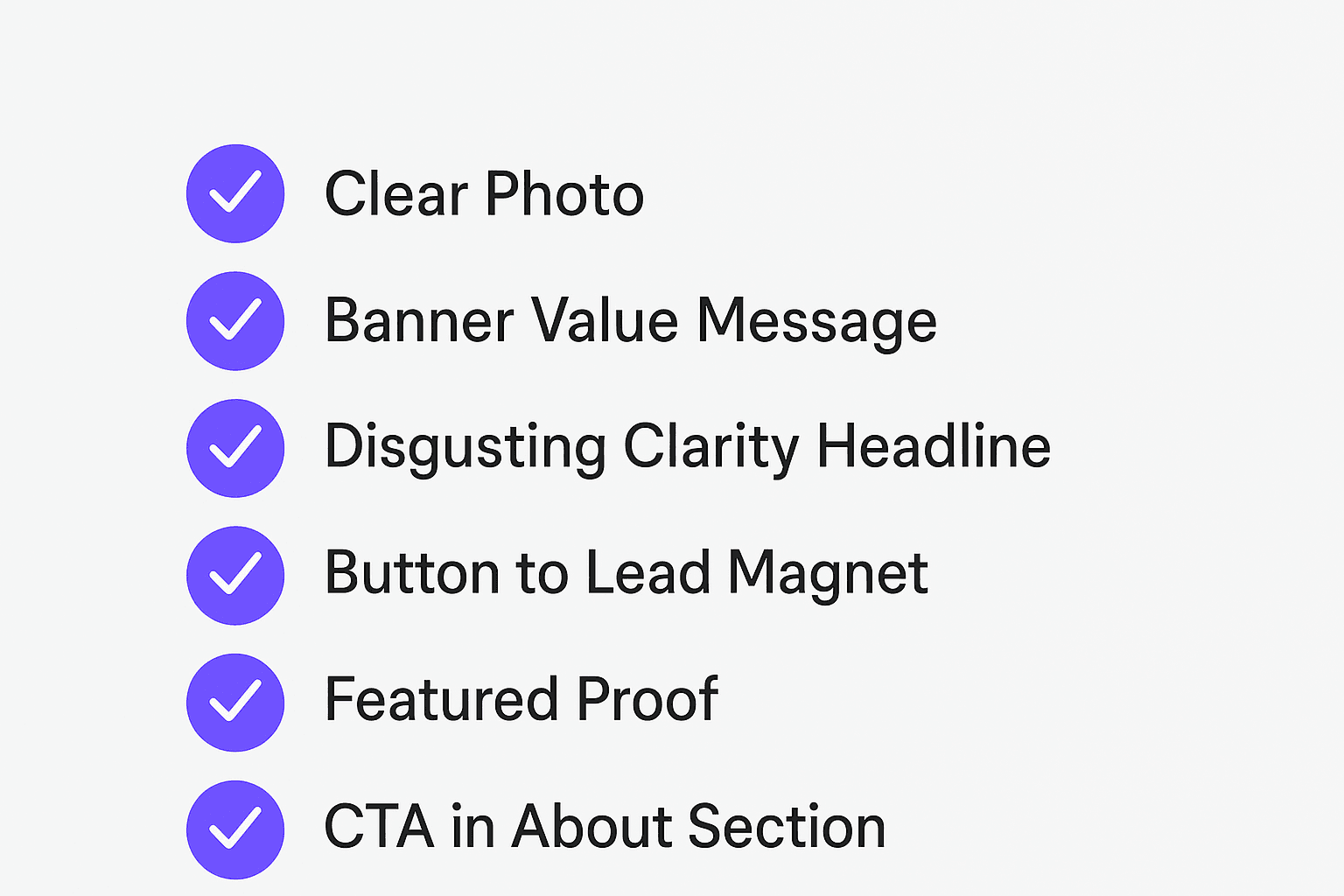
Quick Evaluation Checklist

Use this as a final test once you complete all steps:

RequirementStatus
Clear, friendly headshot☑️
Banner shows result + audience☑️
Headline uses “I help…” clarity☑️
Button links to a value resource☑️
Featured shows proof or lead magnet☑️
CTA exists in About section☑️

Complete all six, and your profile becomes a trust-building asset.


Final Goal for Playbook #1

A new visitor should immediately think:

“This person helps people like me get a result I want.
I should contact them.”

Once your profile accomplishes that, we move to:

Playbook #2 – Content that turns attention into conversations

PlayBook#1 – (Framework sourced from Matt Lakajev’s strategy)

Why your profile matters

Most freelancers treat their LinkedIn profile like a CV.
Matt Lakajev treats it like a sales page that builds trust and turns strangers into leads.
Your profile must answer three questions in less than five seconds:

1 — Is this person real?
2 — Do they help people like me?
3 — Do I clearly understand what they do?

If a profile fails any of these, people leave and never return.
This is based on the “Reality Gate” and “Relevance Gate” in the Trust Framework.


The Profile Funnel Structure

Your profile has one main job:
Move a visitor toward a conversation.

The structure below supports that objective:

  1. Profile Photo
  2. Banner
  3. Headline
  4. “Visit Website” Button
  5. Featured Section
  6. About Section

We will complete each one with direct, practical instructions.


Step 1 — Profile Photo: Pass the “Weirdo Test”

A clear, friendly headshot reduces risk and increases trust.
This is the first conversion moment.

Requirements:

  • Face takes most of the frame (no faraway shots)
  • Good lighting
  • Warm, approachable facial expression
  • No sunglasses or distracting backgrounds

A professional photo is ideal, but a clean smartphone photo works fine.


Step 2 — Banner: Your Silent Elevator Pitch

The banner is a billboard at the top of your funnel.
It must clearly show:

→ Who you help
→ What result you create

Avoid generic city skylines or abstract graphics.
Images of you working, speaking, or collaborating work best.

A simple structure you can follow:

SectionWhat to include
LeftA picture of you (optional)
CenterValue statement: The result you help clients achieve
RightTarget client (who you help)

Example wording:
“Helping D2C brands increase revenue with fast, conversion-focused websites.”

Test this:
If someone sees only your banner for one second — do they understand your business?


Step 3 — Headline: “Disgusting Clarity”

This is the most important text on your entire profile.
It appears everywhere: comments, post headers, searches, DMs.
If your headline is vague, the sale dies here.

Use this formula:
I help [specific audience] achieve [specific result] using [your method].

Clear examples:

  • I help SaaS teams book qualified demos through LinkedIn outreach systems.
  • I help D2C brands boost sales with 7-day high-speed website builds.

Avoid:

  • “Entrepreneur | Founder | Growth Expert”
  • Inspirational quotes

Your headline must show you solve a real problem for a real group of people.

Write yours now using the formula above.


Step 4 — “Visit Website” Button: Turn Visitors Into Leads

Most people either:
• Link to their homepage
• Or directly link to booking a call (too much pressure early on)

Better approach:
Link to a lead magnet or short free resource.
This allows prospects to engage without fear.

Suggested button text:

  • Free Training
  • See Client Results
  • Get the Playbook

This captures warmer traffic and gives you a reason to follow up later.


Step 5 — Featured Section: Where Buyers Raise Their Hand

This section should act like a filter to identify serious visitors.
Someone who clicks a featured item is signaling interest.
Treat them as a warm lead.

What to include here:

Do not include:

  • Random interviews
  • Press mentions that do not convert
  • Resume-style documents

One strong asset beats five weak ones.


Step 6 — About Section: Simple, Not Emotional Biography

In Matt’s model, this area has lower impact and should not take a lot of time.
Keep it functional and supportive.

Four short elements:

  1. Who you help
  2. The problem they face
  3. Your solution in one or two lines
  4. A clear call-to-action (“Message me the word ‘Website’ and I’ll help you…”)

Avoid long storytelling here. People rarely read the full block.


Quick Evaluation Checklist

Use this as a final test once you complete all steps:

RequirementStatus
Clear, friendly headshot☑️
Banner shows result + audience☑️
Headline uses “I help…” clarity☑️
Button links to a value resource☑️
Featured shows proof or lead magnet☑️
CTA exists in About section☑️

Complete all six, and your profile becomes a trust-building asset.


Final Goal for Playbook #1

A new visitor should immediately think:

“This person helps people like me get a result I want.
I should contact them.”

Once your profile accomplishes that, we move to:

Playbook #2 – Content that turns attention into conversations

Author

Written By

Vikash Kumar

Building AI agents, n8n workflows and end-to-end automation for 30+ Brands across India, the US, Europe, Dubai & Australia. 7+ years of Experience saving founders real hours every week - no code required.

Ask more Questions about this Blog with AI:

Our AI Articles

Learn from our AI Articles to excel in your profession ;)

Complete Guide To Claude Code Agent Teams

Agent Teams are one of the most advanced features inside Claude Code. Instead of using one AI agent to complete...

How To Build Realistic AI Voice Agents With 11Labs + Make.com

How Agent Teams turn Claude Code into a collaborative AI workforce for building complex systems....

100 SECRET CLAUDE PROMPT CODES

Practical Claude prompt systems that improve writing, research, strategy, automation, and workflows....

The Real Claude AI Business Guide for 2026

5 Claude AI business models solving expensive problems businesses already pay for in 2026....

Complete Guide: How To Build A Claude Skill For SEO Content Writing

Reusable Claude workflows that turn generic AI writing into personalized, scalable SEO systems....

Complete Breakdown: How To Build AI Backlink Systems Using Claude Skills + Automation

Complete Breakdown: How To Build AI Backlink Systems Using Claude Skills + Automation...

Claude AI SEO Automation Guide

This AI SEO workflow automates content creation, optimization, publishing, and indexing at scale....

Complete AI Lead Generation Workflow Using Claude AI + ChatGPT

AI workflow to automate lead generation, outreach emails, and scalable client acquisition....

Use Amazon Bedrock To Try Claude, OpenAI, DeepSeek, And More

Beginner guide to using Amazon Bedrock with Claude, OpenAI, DeepSeek, APIs, and AI workflows....

Build n8n Automations With Claude Code

This guide shows how to build AI automation systems using Cursor, Claude Code, n8n, MCP, and agents....
1:1 Free Strategy Session
Your competitors are already automating. Are you still paying for it manually?

Do you want to adopt AI Automation?

Every hour your team does repetitive work, you're burning real money.
While you wait, faster businesses are cutting costs and moving quicker.
AI and automations aren't the future anymore — they're the present.

Book a live 1-on-1 session where we show you exactly which of your daily tasks can be automated — and what it’s costing you not to.