
Somewhere in your business right now, an alert already fired. A payment failed, a form got submitted, a server flagged a problem. The system did its job.
The trouble is almost never that nothing happened. It’s that it happened in the one place nobody was looking at that moment.
This post walks through why that keeps happening, and how a single trigger can fan out to email, Slack, and any other tool you use, automatically, every time, so the right person actually sees it.
Quick answer: Most missed alerts aren’t a tooling failure. They’re a routing failure, the alert only had one path, and that path wasn’t being watched.
In a 2026 survey of over 1,000 IT and operations professionals, 78% said they’d had at least one incident where no alert reached anyone at all. 44% had an outage tied directly to an alert that got suppressed or ignored.
The fix isn’t more alerts. It’s sending the same alert down more than one road at once, so it doesn’t depend on one inbox or one person’s attention span.
Why Alerts Get Missed (It’s Routing, Not Tooling)
Every alert tool works fine on its own. Email works. Slack works. Your CRM’s notification works.
The problem shows up in the gap between them. An alert lands in an inbox nobody checked today, or a Slack channel that got muted three weeks ago, and it just sits there.
Single-channel notifications assume one thing: that the right person is watching that one channel, at that exact moment. That assumption breaks constantly. People are in meetings, on the road, or simply not staring at Slack when it matters.
Alert fatigue makes it worse. When teams get flooded with alerts, 57% say fewer than a third are even worth acting on, so people start tuning all of them out, including the ones that matter.
How Multi-Channel Fan-Out Automation Works
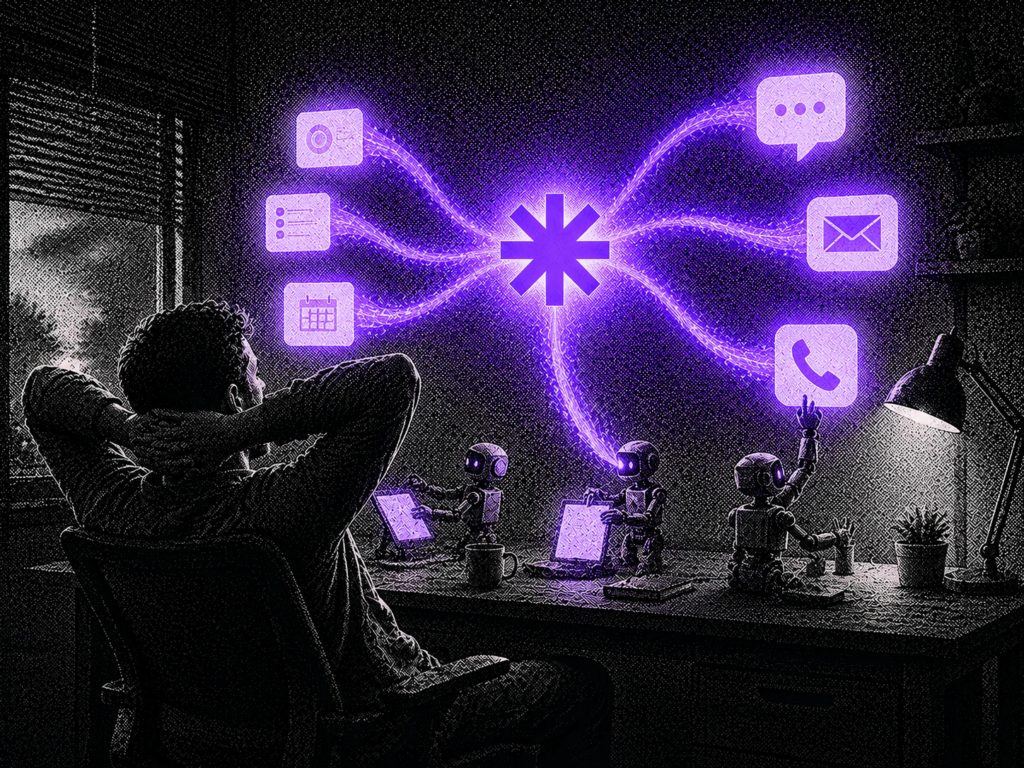
A fan-out workflow takes one trigger, a form submission, a failed payment, a new lead, a system error, and pushes it to several destinations at once, not just one.
Instead of “send an email,” it becomes “send an email, post to Slack, and hit a webhook that can forward to SMS, a ticketing system, or anywhere else you need it.” One event, several chances to be seen.
This is exactly what n8n’s Send notifications across email, Slack, and webhook channels template does. It receives a request, validates it, formats the message per channel, and delivers it to email, Slack, and a webhook simultaneously, with delivery tracking so you can see what actually went through.
Layer in Claude and the workflow gets smarter, not just wider. Claude can read the incoming alert, decide how urgent it actually is, write a plain-language summary, and route the highest-priority alerts to the fastest channel, while lower-priority ones just land quietly in email.
Setting It Up Without an Engineering Team
Start with the trigger. Pick the one alert that has burned you before, a missed lead form, a failed payment, a support ticket that sat too long.
Wire that trigger into a template like the n8n workflow above. It’s built to plug into Gmail, Slack, and any webhook-based tool, so you’re not starting from a blank canvas.
Set priority levels early. Not every alert deserves an SMS at 11pm, decide which ones are “urgent” (fan out everywhere, fast) versus “FYI” (email is fine).
Test it with a fake event before it touches anything real. Send a dummy trigger through and confirm it actually shows up in every channel you expect.
Quick Checklist: Setting Up Multi-Channel Alerts
- Pick one high-cost alert to start with, not everything at once
- Map it to a trigger you already have (form, payment, ticket, error log)
- Connect at least two channels, one active (Slack/SMS) and one passive (email)
- Set urgency tiers so low-priority noise doesn’t drown out real issues
- Run a test event through the full chain before trusting it with real data

Not sure where to start?
Book a free 20-minute call and we’ll map out which alerts are actually worth automating for your business.
Book Your Free CallWhat is a multi-channel alert workflow?
It’s an automation that takes one trigger, like a failed payment or a new lead, and sends the resulting alert to more than one destination at once, such as email, Slack, and a webhook, so the notification doesn’t depend on a single inbox or channel being watched.
Do I need an engineering team to set this up?
No. Tools like n8n offer pre-built templates that connect email, Slack, and webhooks without writing code. You mainly need to identify which trigger matters most, plug it into the template, and set your priority rules.
Why not just add more people to watch the alerts?
More people watching one channel still fails the same way, everyone assumes someone else saw it. Fanning the alert out to multiple channels at once removes that single point of failure without adding headcount.
Where does Claude fit into this?
Claude can read the incoming alert, judge how urgent it actually is, write a short plain-language summary, and route only the highest-priority alerts to your fastest channel while quieter ones land in email.
What’s the biggest mistake businesses make with alert routing?
Treating every alert the same. Not every event deserves a 2am SMS, and not every event should quietly sit in email either. The fix is tiering, decide upfront what counts as urgent versus FYI, and route accordingly.
The alert you’re worried about missing has probably already happened once. The fix isn’t a better inbox habit, it’s making sure that alert can’t land in just one place.
Start with the one that’s burned you before. Wire it up, fan it out, and test it before you need it. That’s the difference between an alert that gets seen and one that gets found three days later.
