 Schedule a Call

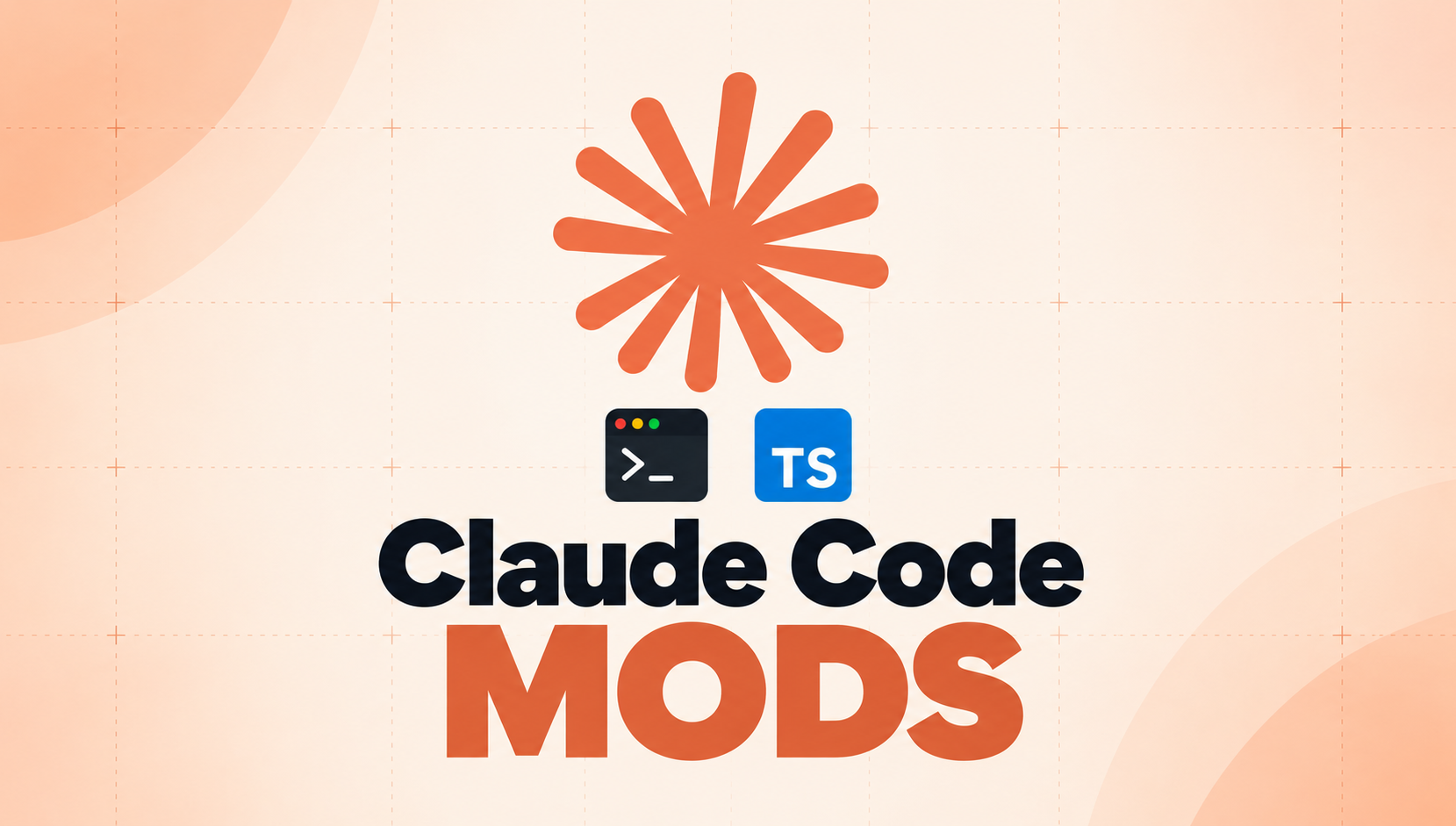
On October 1, Anthropic gave users the keys to the engine — Claude Code Mods let you change how your AI coder behaves and looks, and add new features from the inside. No coding needed: just describe what you want, and Claude builds it for you.
What Mods actually are
Mods are small TypeScript functions that plug into Claude Code's events — they can catch a prompt, stop a tool call, or change your screen. Think of it this way: skills change what Claude knows, hooks change what it's allowed to do, and mods change what you see — they install with a simple `/plugin` command. (AlexTech)
The three superpowers
- Change how it behaves. Rewrite a prompt before the model sees it, block a risky tool call, or approve permissions your way.
- Customize the UI. Add panels and dashboards — see what your agents are doing, right inside the terminal.
- Swap in your own features. Replace built-ins like /diff with your own version, and mix mods from different makers.
3 ways to use them nobody's talking about
Here are three smart uses most people will miss:
- Make your Claude sessions talk to each other. One session plans while another builds — mods make this teamwork visible and automatic. (ssd-nodes guide)
- Reskin the interface. Add a live dashboard of your agents or a ‘second brain’ overview pane — the community already has mods like cctop and agent-flow. (claudemods marketplace)
- Route cheap tasks to cheap models. Simple requests go to Haiku and big thinking goes to Opus, so small jobs stop eating your costly limits.
The craziest part
You don't write TypeScript — you write English. Just tell Claude ‘build me a mod that shows what my agents are doing’ — it writes the mod, installs it, and loads it into your session (one builder's 3AM story: a mod built an hour earlier caught Claude about to run a recursive delete and flashed a red alert). (OneWave-AI)
X reacts
Anthropic announced Mods through its developer account — and Boris Cherny, the creator of Claude Code, weighed in:
The warning label (read this)
Power like this has a price: mods are not sandboxed — they run with Claude Code's full machine access, so install them only from people you trust (teams get a built-in `sec-default` safety mod plus admin controls). (Mike Gingerich)
What this means for your workflow
Here's the shift: Claude Code stopped being a tool you use and became a platform you shape. Every team works differently, so every team can now run a different Claude — and default settings mean missing the best part.
- New to Claude Code? Start with our 20-minute beginner-to-pro guide.
- Want it wired into your business systems? We build n8n workflows with Claude Code — no coding needed on your end.
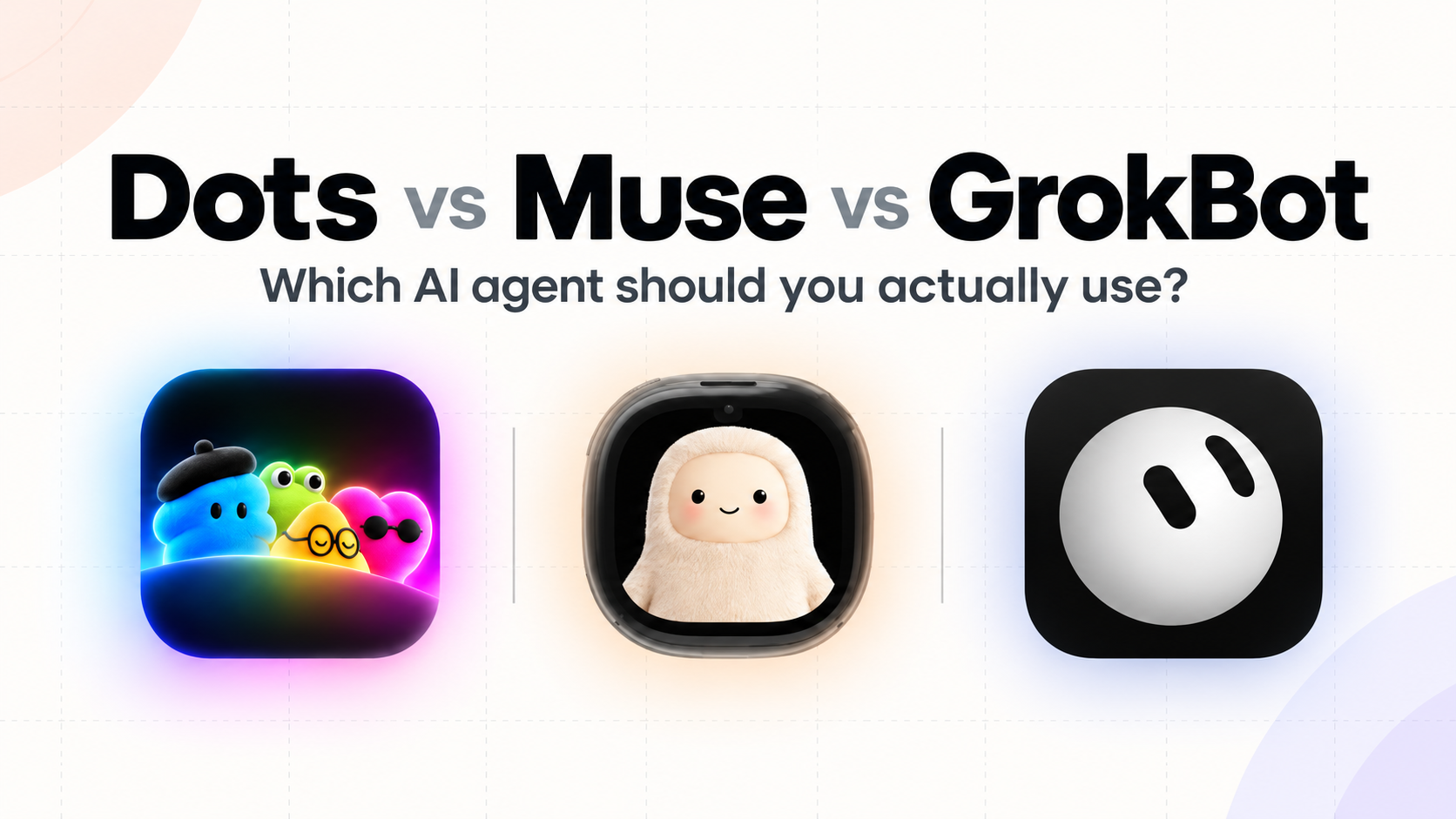
- And if agents running your operations sounds right, read which AI agent to actually use.
Frequently Asked Questions
- What are Claude Code Mods?
- Mods are small TypeScript functions, launched October 1, 2026 with Claude Code 2.1.287. They hook into Claude Code's events — changing behavior, looks, and features — and they ship inside plugins you install with /plugin.
- Do I need to know TypeScript to create a mod?
- No. Just describe the mod in plain words — Claude Code writes it, installs it, and loads it into your session.
- Are Claude Code Mods safe to install?
- Mods are not sandboxed. They run with Claude Code's full machine access, so install only from sources you trust — Team and Enterprise plans get a safety mod and admin controls.
- Can Claude Code sessions message each other?
- Yes. On macOS and Linux with Claude Code v2.1.224 or later, sessions on the same machine can find each other and exchange messages — so one session can plan while another builds.
Want AI tools shaped around your workflow, not the vendor's defaults? Talk to BULDRR AI — we build agents and automations that fit how your team actually works.
Each button opens the assistant with the prompt already written, asking it to teach this article step by step, in simple words.
 ChatGPT
 Claude
 Grok
Grok Perplexity
 Add as a preferred source