 Schedule a Call

OpenRouter has 17 free AI models as of October 5, 2026 (every model ID ending in :free), and the best all-round picks are NVIDIA Nemotron 3 Super for general tasks, Cohere North Mini Code for coding, and NVIDIA Nemotron 3.5 Lightning for high-volume work. Picking the wrong one for your task wastes your daily request budget and slows down your automations. Picking the right one means faster results, better output, and fewer retries.
This guide breaks down the most useful free models on OpenRouter, what each one is best at, and exactly which one to use depending on what you are building. Want every free model in one table? See our full OpenRouter free models list. Writing code? Our best free OpenRouter models for coding goes deeper.
How Free Models on OpenRouter Actually Work
Free models on OpenRouter are not a trick. They are real AI models, the same underlying ones you would pay for on other platforms, made available at zero cost by the companies that built them.
Why do they do that? Model providers pay OpenRouter to host and distribute their models because they want usage data, developer adoption, and visibility. You get free access. They get real-world feedback on how their models perform. Both sides win.
The trade-off is rate limits. Your account gets 50 free-model requests per day until you have bought $10 or more in credits in total (a one-time purchase, not a subscription); after that, the limit jumps to 1,000 free requests per day. The rate limit per minute is 20 requests regardless of your credit status. If your balance ever goes negative, free requests can also fail with a 402 error. The details are in OpenRouter’s rate limits documentation.
All free models use the :free suffix at the end of their model ID. Example: nvidia/nemotron-3-super-120b-a12b:free. Leaving off :free routes you to the paid version and charges your credits.
The Full List: Best Free OpenRouter Models in 2026
Here are the top free models worth knowing as of October 5, 2026, organized by what they are best at:
Which Model Should You Use? (Decision Guide)
Here is how to pick the right model based on what you are actually trying to do:
For Beginners Building Their First Workflow
Start with nvidia/nemotron-3-super-120b-a12b:free.
It is a 120B-parameter model that only activates 12B parameters per request, so it handles almost any text task without being sluggish, and it has a 262K-token context window. Think of it as the Swiss Army knife of free models. It summarizes, classifies, writes, extracts, and answers questions without you having to think too hard about prompt engineering.
For High-Volume Tasks Where Speed Matters
Use nvidia/nemotron-3.5-lightning:free.
Nemotron 3.5 Lightning is built for high-throughput agent workloads: it has 30B parameters but only 3B are active per token, and it still has a 1 million token context window. If you are running a workflow that needs to handle many messages quickly, Lightning is the one to try first. The trade-off: smaller active models reason less deeply than the big ones. For simple extraction or chat tasks, that does not matter.
For Tasks That Require Thinking Step by Step
Use nvidia/nemotron-3-ultra-550b-a55b:free.
Nemotron 3 Ultra is NVIDIA’s frontier reasoning and orchestration model (550B parameters, 55B active). Instead of immediately spitting out an answer, a reasoning model thinks through the problem first, step by step, then gives you a result. That makes it much better at logical decisions, complex planning, and anything where a quick answer might be wrong. The downside is speed: it takes longer to respond than the smaller free models. For workflows where accuracy matters more than fast response time, Ultra is the right pick.
For Coding and Technical Tasks
Use cohere/north-mini-code:free.
North Mini Code is Cohere’s first agentic coding model, with a 256K-token context window. If your workflow involves generating code, analyzing scripts, reviewing SQL queries, or anything technical, this is the free model to reach for. Poolside’s poolside/laguna-s-2.1:free is also strong for coding, but its free endpoint is scheduled to expire on October 31, 2026.
For Long-Document Processing
Use thinkingmachines/inkling:free.
Inkling has a 1 million token context window, which means it can take in very long reports in a single prompt, and it accepts images and audio as well as text. If your automation handles lengthy reports, research papers, or long email chains, Inkling or Nemotron 3 Ultra (also 1M) handles context that would overflow most other free models. Big models are slower, but for long-document tasks, you are not in a hurry anyway.
When You Do Not Know Which Model to Use
Use openrouter/free.
This is a special router model built by OpenRouter itself. It analyzes your request and automatically routes it to whichever available free model it thinks will handle it best. You do not have to pick a model at all. The limitation: you cannot predict exactly which model will respond on any given request, so output style can be inconsistent across runs.
The Free Model Rotation Strategy
Here is something most beginners miss: you do not have to pick just one model and stick with it forever.
Rotating between 4 or 5 free models makes your workflow resilient: if one model is overloaded, returns an error, or gets pulled from the free tier, your n8n workflow falls over to the next one. What rotation does not do is multiply your quota. OpenRouter tracks free usage with a single daily counter (reported as free_model_daily_requests by GET /api/v1/key), so all your free models draw from the same 50 or 1,000 requests a day.
Set it up in n8n with a simple retry-on-error rule per model. Our guide to using OpenRouter with n8n shows the node setup step by step.
It is the cheapest way to keep a free workflow running while the lineup shifts under you, and it shifts a lot: every model in the June 2026 version of this guide has since lost its free tier.
What Free Models Are NOT Good For
Free models on OpenRouter are solid for most beginner and intermediate use cases. But there are situations where you should expect limitations:
- Real-time, high-volume production traffic. If your automation runs more than 50 requests per day and you cannot afford to hit the limit, paid models are the right call. The cost is low (openai/gpt-oss-20b, for example, is about $0.02 per million input tokens), but it is not free.
- Tasks that need consistent, predictable output style. Free models can change or be updated by their providers at any time. If your workflow needs output in a very specific format every single run, test thoroughly before relying on a free model in production.
- Image generation. None of the free models generate images. OpenRouter does list image-output models, such as Google’s Gemini image models, but they are all paid.
- Tasks needing fine-tuned or custom models. You cannot train or modify free models on OpenRouter. They run as-is from the provider.
How to See All Current Free Models
OpenRouter updates its free model list as providers add and remove free tiers. The most reliable way to see the current full list is to go to openrouter.ai/models and filter by “Free” in the pricing dropdown.
You can also use the OpenRouter API to list all models programmatically. This endpoint is public, so you don’t even need an API key:
Copy
GET https://openrouter.ai/api/v1/models
Keep only the models whose ID ends in :free. On October 5, 2026, that returns 17 models. Filtering on pricing.prompt === "0" also catches a few entries that aren’t :free models, such as the openrouter/free router, so the :free suffix is the cleaner test.
Common Questions About Free OpenRouter Models
How many free models does OpenRouter have in 2026?
OpenRouter has 17 free models as of October 5, 2026, down from 29 in June. The number changes as model providers add and remove free-tier access. You can always check the current list at openrouter.ai/models filtered by “Free.”
Do free models give worse results than paid ones?
Not always. Today’s free lineup includes large, current models such as NVIDIA’s Nemotron 3 Ultra (550B parameters) and Thinking Machines’ Inkling (975B). The main limitations are rate limits (50 requests per day until you have bought $10 in credits) and slower response times during peak hours, not output quality.
Can I switch between free models in the middle of a workflow?
Yes. In n8n, you can configure each AI node independently with a different model. You can also use n8n’s error-handling logic to automatically fall over to a different model if the first one returns a 429 (rate limit) error.
What is the openrouter/free model?
It is a special router built by OpenRouter that automatically selects from available free models based on your request. You do not have to pick a model yourself. The trade-off is less consistent output style since different underlying models may handle your request on different runs.
Will the free models always be free?
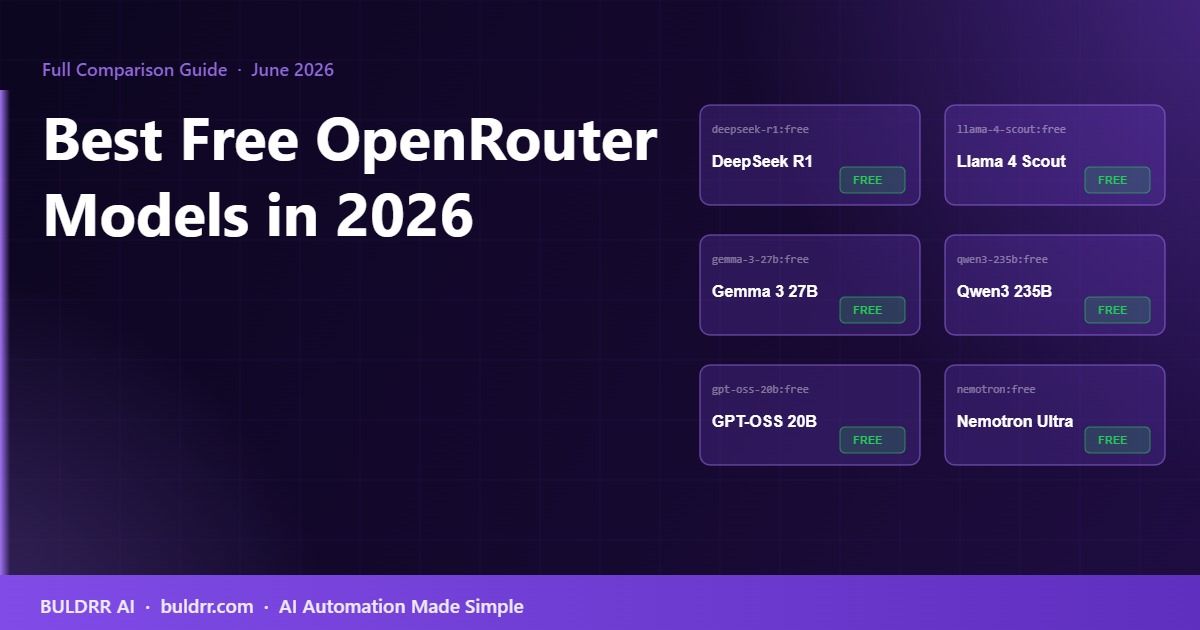
No guarantees. Model providers can remove free-tier access at any time, and it already happened this year: DeepSeek Chat V3, DeepSeek R1, Llama 4 Scout, Gemma 3 27B, Qwen3 235B and GPT-OSS 20B were all free in June 2026 and are paid-only on OpenRouter as of October 2026. Build your workflows with a fallback model configured so you are not locked into one free option.
Is there a quality difference between the same model on a free tier versus a paid tier?
It is the same model, but the free endpoint can come with a smaller context window than the paid one, and paid requests are processed before free ones during peak traffic periods. The output quality, given the same prompt and model, should be the same.
Start Here
If you have not already, go to openrouter.ai and create a free account. You get immediate access to all 17 free models with no payment information required. Your first test can be running in under 5 minutes.
Once you pick your model, the next step is connecting it to an automation tool. BULDRR AI’s guide on using OpenRouter with n8n walks you through the full setup step by step, from API key creation to a working first workflow.
Each button opens the assistant with the prompt already written, asking it to teach this article step by step, in simple words.
 ChatGPT
 Claude
 Grok
Grok Perplexity
 Add as a preferred source